Files
Files is the file manager of the Patina desktop, and it runs on any Linux desktop and on FreeBSD too. It is a Patina app, so it wears the same skins as the rest of the desktop. It shows folders as icons, a list or columns, copies and moves without ever overwriting, reaches network shares, is the file chooser for other apps, and when a folder is on ZFS it can show what ZFS knows about it.
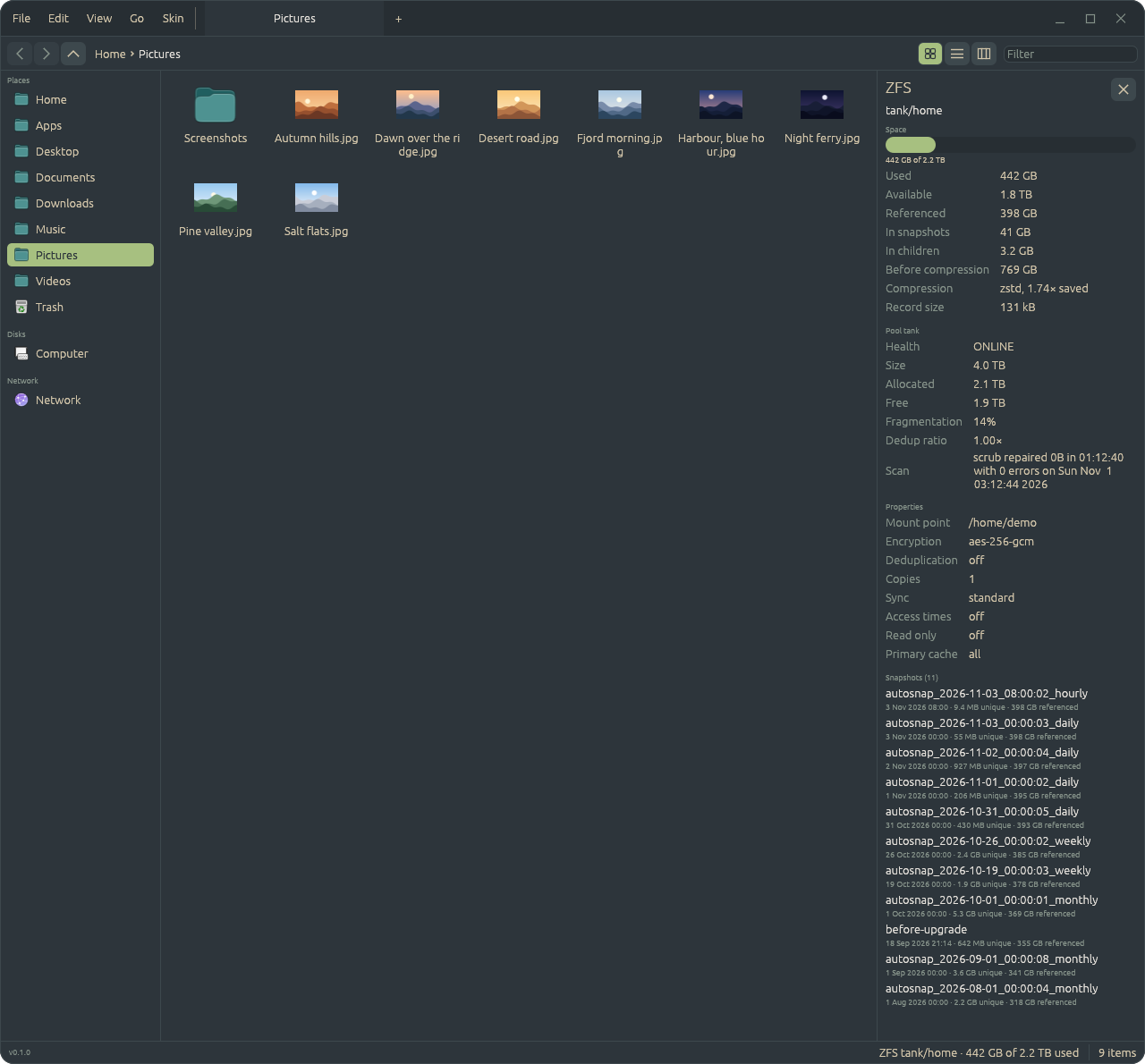
tank/homeZFS, when the folder is on it
If the folder you're looking at is on a ZFS dataset, the status bar says which one and how full
it is. Click that and a panel opens on the right with the rest: the dataset's space (what is
used, what only snapshots hold, what compression saved), its pool with health, fragmentation
and the last scrub, a few properties such as encryption and sync, and a list of its snapshots,
newest first, with when each was taken and how much it holds on its own. The panel reads
through zfs and zpool on a thread and refreshes while it's open, and
on any other folder there is nothing to show and nothing to click.
Every screenshot on this page is made on invented files, and the ZFS numbers and snapshots are invented too, so nothing of a real machine is shown. The scripts that make them are in the repository.
Looking at folders
Icons, a list or columns, in tabs, with a sidebar of places and disks. The list can show Size, Date Modified, Date Created, Date Last Opened and Kind, chosen from the header's menu. Columns open a folder to the right of the last, as a Mac's Finder does. Pictures get thumbnails, and Space shows one large in a window of its own.
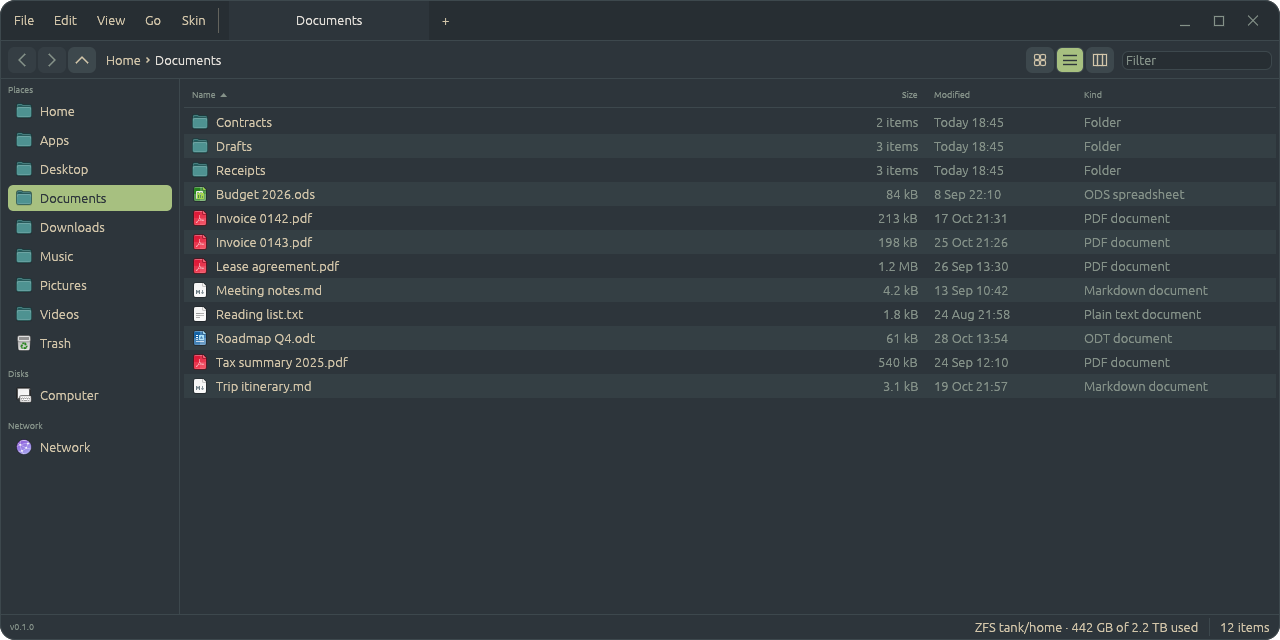
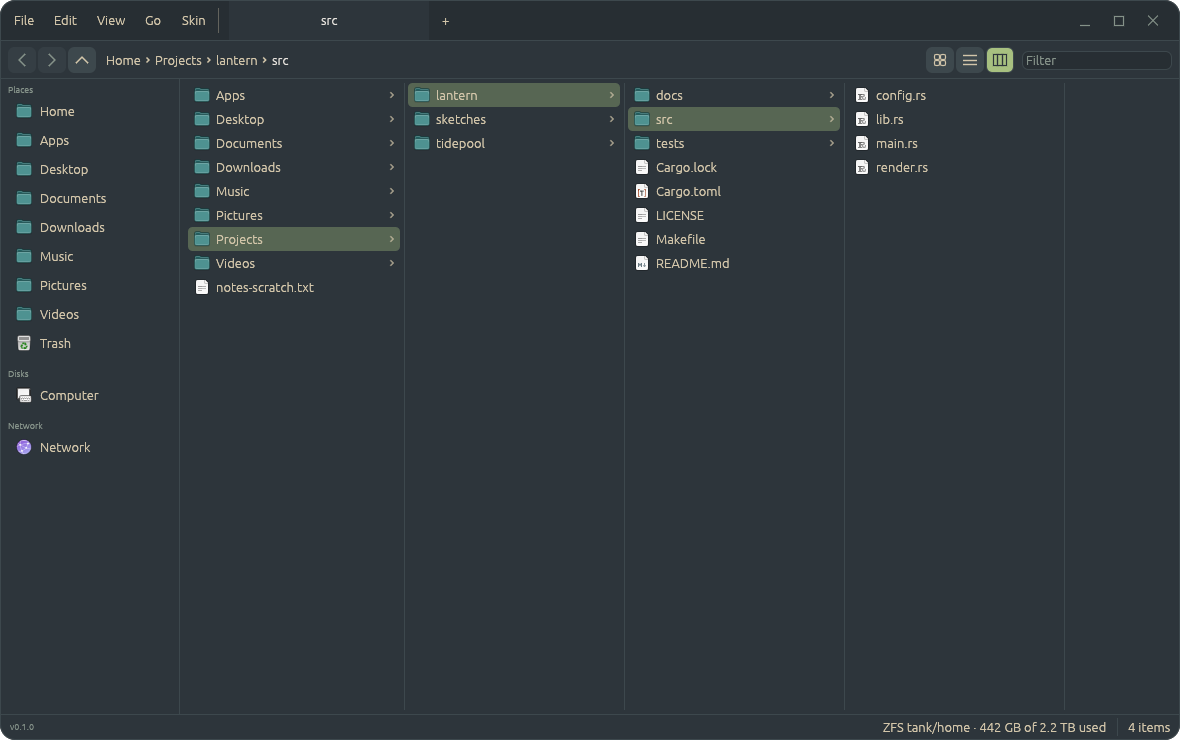
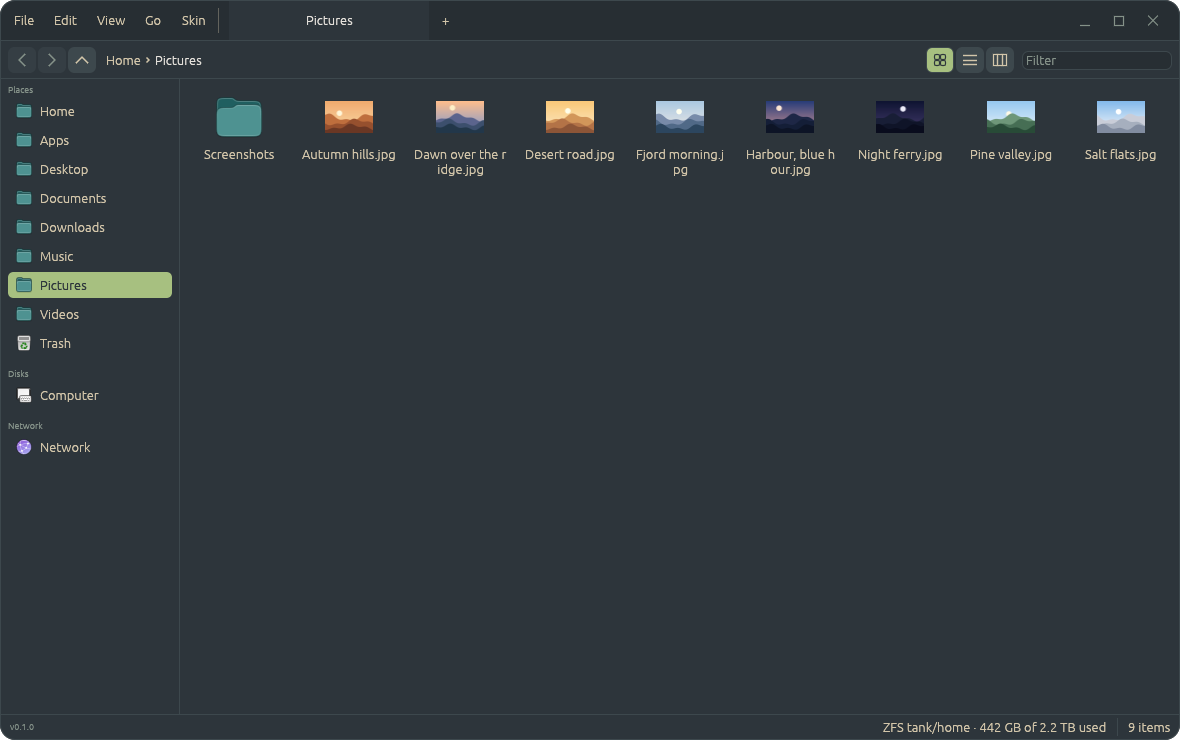
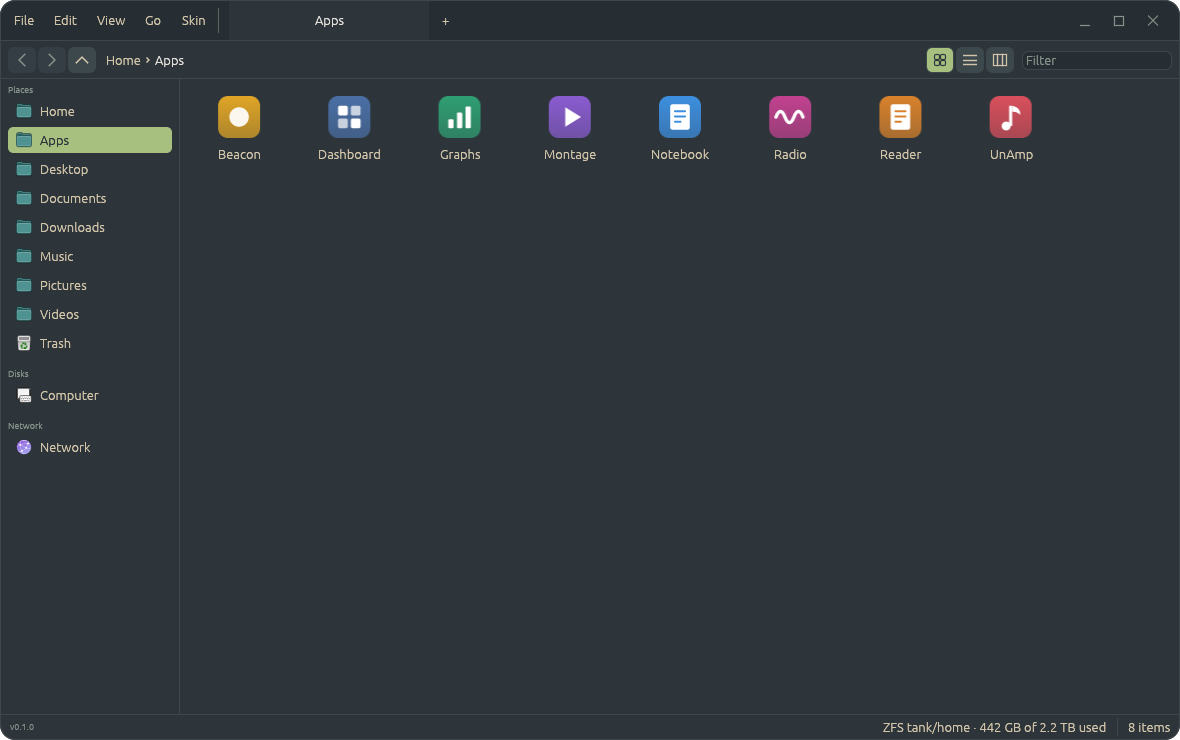
The screenshots here all use Everforest Dark. Like every Patina app, Files wears Patina's skins: the Skin menu
changes them, and you can add your own to ~/.config/files/skins.
What's in it
-
App folders
A folder namedName.appwith anapp.tomlis shown as one item with its own icon and run when it's opened, as on a Mac, and right-click → Show Contents looks inside. The rules are in patina-apps, which the desktop's launcher uses too, so an app in~/Appsshows up in both. -
Copy, move and the Trash
Cut, copy and paste, with the clipboard in the form Nautilus uses, so the two paste each other's files. Drag to move, hold Ctrl to copy. Delete moves to the Trash, from which you can put back or delete for good. -
Nothing is overwritten
An operation takes a free name, or asks what to do about a taken one: merge, replace, keep both or skip. What a replace replaces goes to the Trash. -
Drag and drop between apps
Drag files out into a browser or a chat, or in from them, and between Files windows, on Wayland. -
The network
Servers found on the network and their shares, through GVfs as in Nautilus: mount a share (a password can go in the keyring) and unmount it from the sidebar, or type ansmb://address. -
The file chooser for other apps
In the Patina session, any app that asks the desktop portal for a file (Firefox, Chrome, GTK and Qt apps set to use portals) gets Files' chooser, to open one or several files, a folder, or to save. -
Selecting and finding
Click, Ctrl or Shift-click, a band on the background, the arrow keys, or typing a name. The path bar takes a click or a drop, Ctrl+L types a location, and Filter narrows the folder. Folders on screen are watched and re-read when they change.
Keys
| Keys | |
|---|---|
| Ctrl+1, Ctrl+2 | icons, list |
| Space | Quick Look at the selected file; Space or Escape closes it |
| F2 | rename in place |
| Ctrl+Shift+N | new folder |
| Ctrl+L | type a location |
| Ctrl+W | close the tab, and the window on the last |
Getting started
It needs Rust from rustup, and runs on any Linux desktop and on FreeBSD:
git clone https://github.com/Sector-F-Labs/files && cd files
make install            # ~/.local/bin/files, its launcher and icon
make default            # optional: open folders in Files instead of Nautilus
make install-portal     # optional: be the file chooser in the Patina session (needs root)
make app builds Files.app instead, to copy into ~/Apps.
The code is BSD-3-Clause, and design decisions are written up as
ADRs in the
repository.